
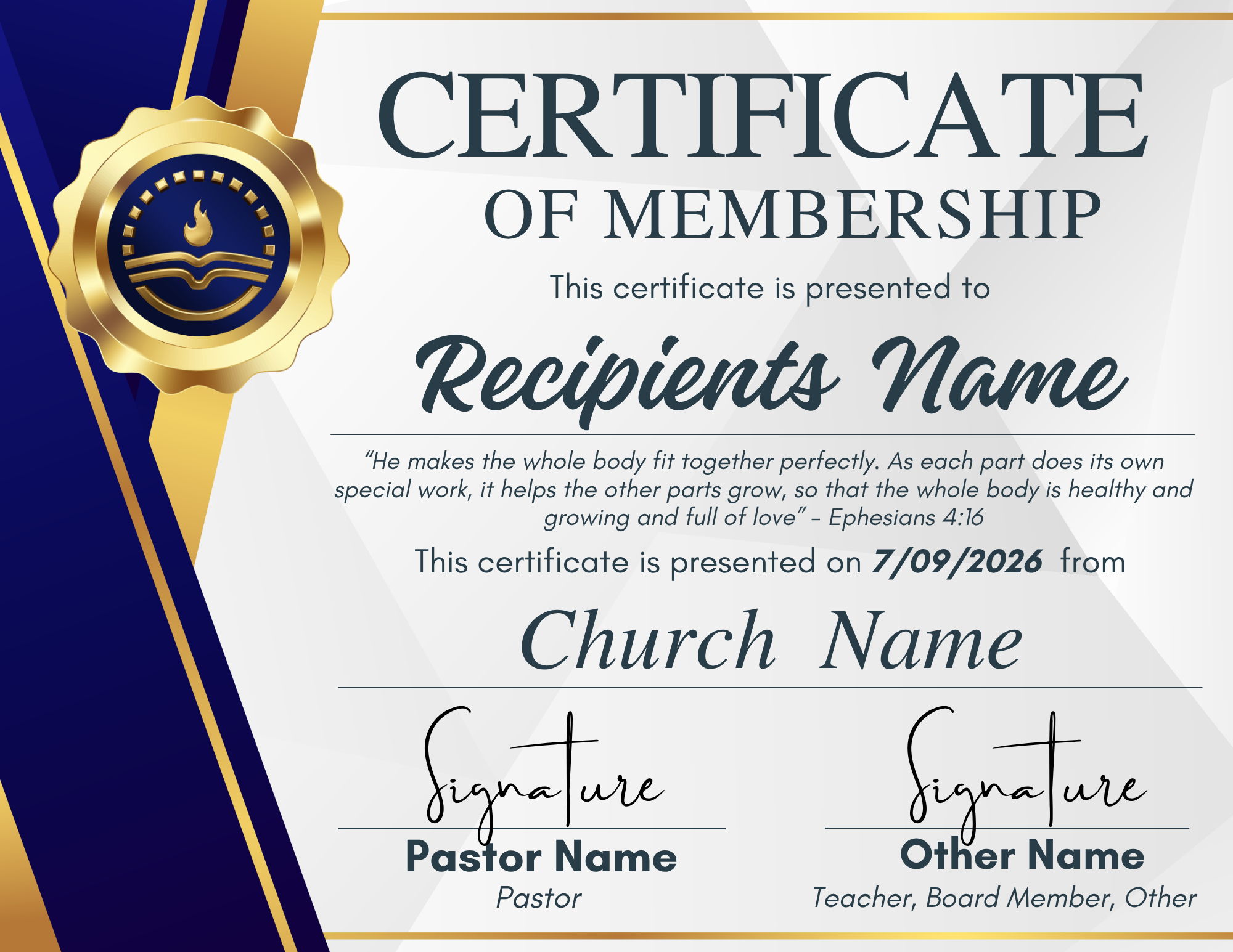
Make it Memorable
To use the certificates:
Click the template link provided. This will open the design in Canva.
You will be prompted to sign in to your Canva account.
If you do not already have an account, you can create one for free using your email, Google, or Facebook login.
Once signed in, the template will open in your Canva editor where you can easily customize names, dates, and any other details.
After editing, you can download the certificates as a PDF for local printing, or choose Canva’s professional printing option to have them shipped directly to you.
Please note: you must be logged into Canva to access and edit the template.
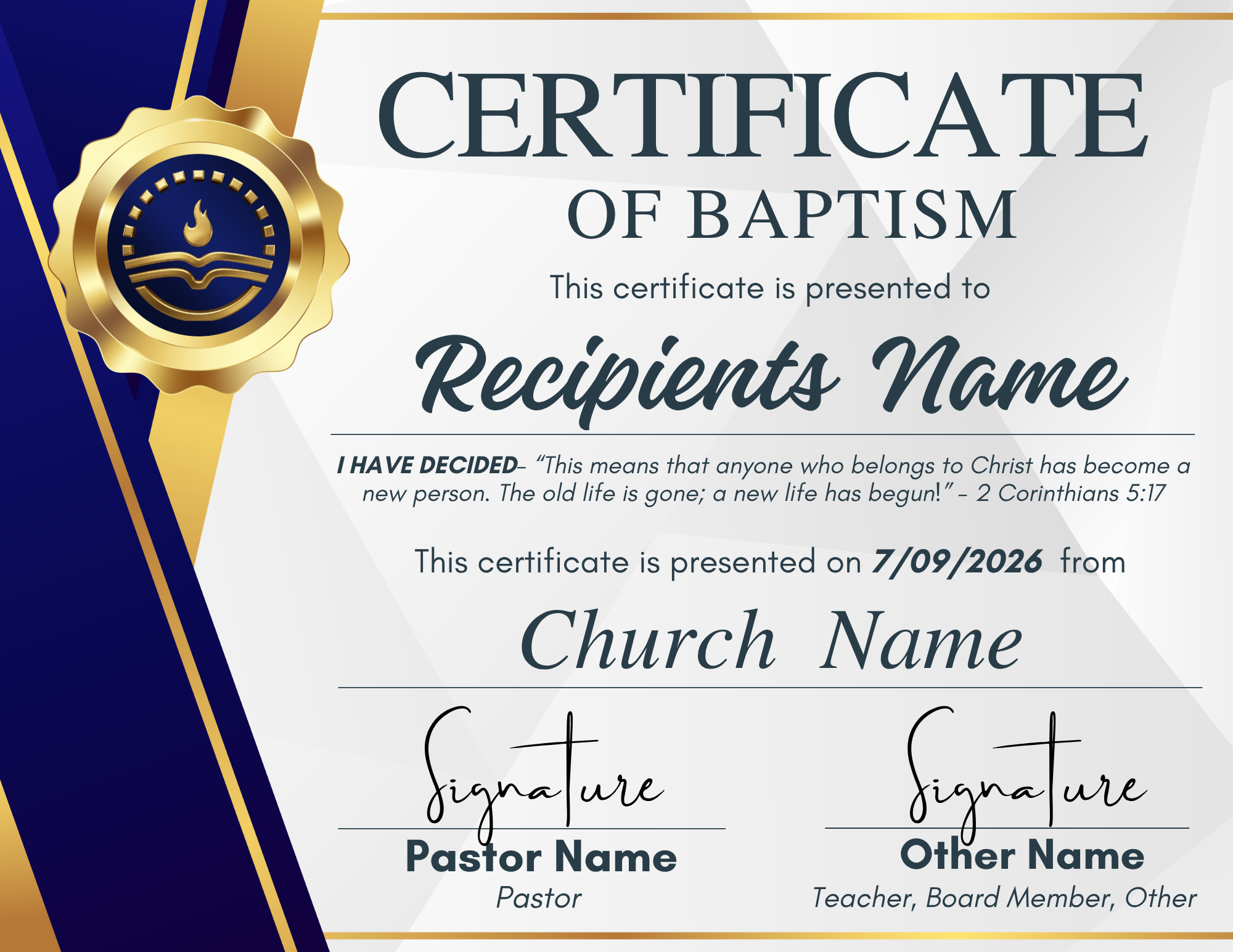
*Example of the Baptismal Certificate